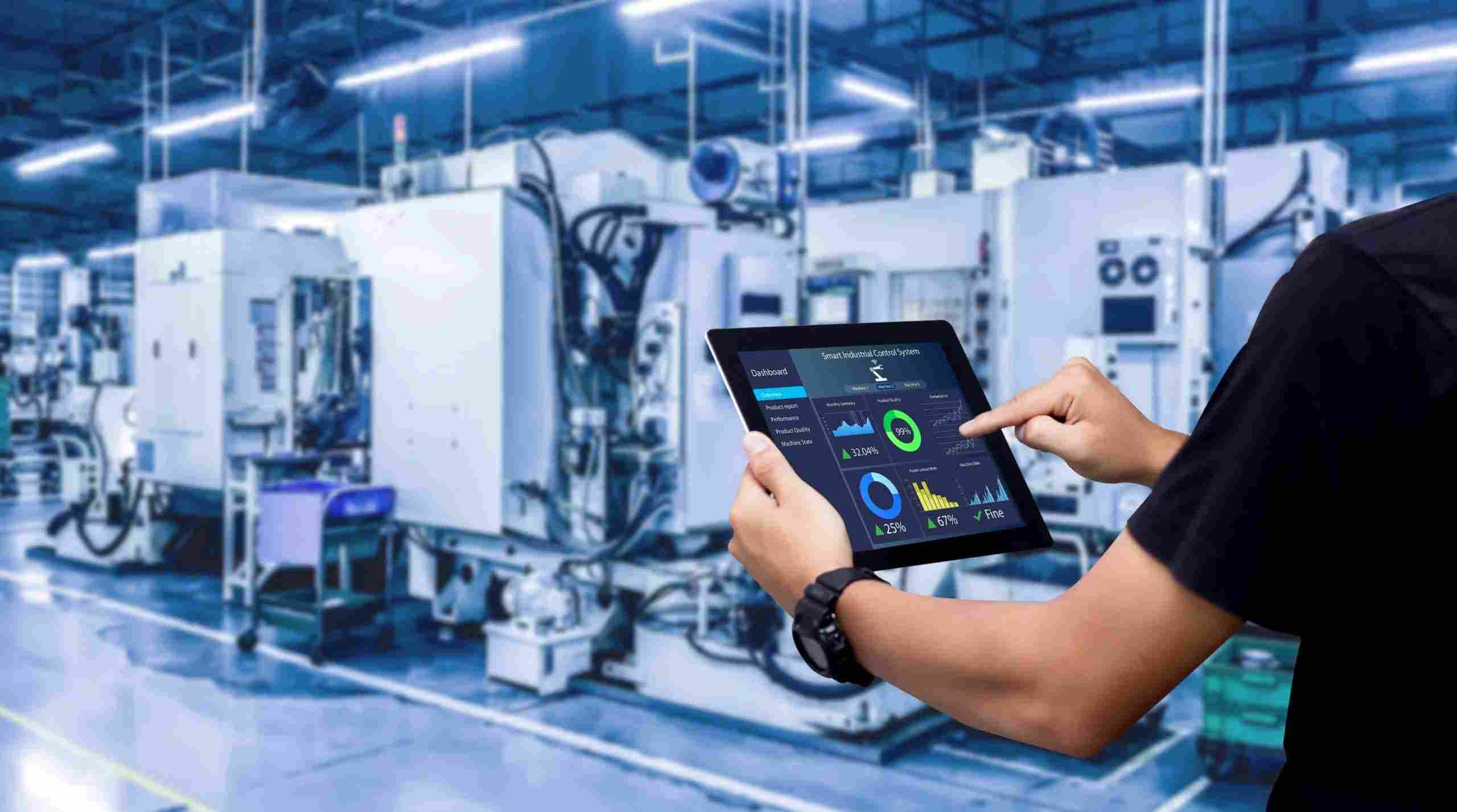
In today’s fast-moving industrial world, the need for efficiency, safety, and control is greater than ever. This is where the human machine interface (HMI) comes into play.
A human machine interface connects people with machines, making it easier to monitor and manage equipment. Whether you’re operating a factory, managing a power plant, or running a water treatment system, HMIs help turn complex systems into something understandable and manageable.
One of the most trusted names in this space is Wonderware InTouch, a reliable and well-known HMI software. Backed by Aveva industrial automation software, it helps businesses run smarter, safer, and more productively.
Let’s break this down and see why HMIs matter and how they work in real-life settings.
What Is a Human Machine Interface?
A human machine interface, often shortened to HMI, is a screen or dashboard that allows operators to interact with machines, devices, or control systems. It helps visualize data, control processes, and track performance in real time.
HMIs are used in almost every industry — from manufacturing and energy to water management and food processing.
Common Features of HMI Software:
- Touchscreen displays
- Real-time system monitoring
- Alerts and alarms
- Data logging and analysis
- Remote control access
With user-friendly graphics, it becomes easier for staff to spot issues, respond quickly, and make informed decisions.
Why Does a Human Machine Interface Matter?
A well-designed HMI makes operations smoother and safer. Here’s why it’s important:
1. Improves Efficiency
Operators can see system performance at a glance. This helps reduce reaction time and increase productivity.
2. Enhances Safety
Real-time alerts inform operators of issues before they become serious. This helps prevent accidents and costly downtime.
3. Cuts Costs
With better monitoring, you use fewer resources and avoid waste. That means lower energy bills and less maintenance.
4. Speeds Up Troubleshooting
If something goes wrong, operators can track it down faster. You don’t need to search the whole system — the HMI points you in the right direction.
How Does an HMI Work?
An HMI collects data from sensors, machines, or programmable logic controllers (PLCs). It then displays this data on a screen for users to read and act on.
Example Workflow:
- Sensor detects a temperature spike
- HMI shows alert on screen
- Operator adjusts the settings through the HMI
- System responds and levels return to normal
Everything happens in seconds. This real-time control is why HMIs are so valuable.
Types of Human Machine Interfaces
There are different types of HMIs depending on industry needs:
- Touchscreen Panels – Found in manufacturing lines, these are easy to use and provide clear graphics.
- Computer-Based HMIs – Often used in control rooms with full dashboards and reporting tools.
- Mobile HMIs – Let users monitor systems from a tablet or smartphone.
No matter the type, the goal is the same: make interaction between human and machine fast and easy.
What Is Wonderware InTouch?
Wonderware InTouch is a popular and trusted HMI software designed to help operators manage complex systems easily. Now part of Aveva industrial automation software, it continues to support industries around the world.
Why Choose Wonderware InTouch?
- User-Friendly Interface – Intuitive design reduces training time.
- Flexible Integration – Works with most PLCs and control systems.
- High Reliability – Used by thousands of businesses for over 30 years.
- Scalable – Grows with your business, from a single machine to an entire plant.
What Is Aveva InTouch HMI?
Aveva InTouch HMI is the next step in the Wonderware family. It builds on the strong foundation of Wonderware InTouch with new tools, better visuals, and cloud-ready features.
With Aveva InTouch HMI, users can:
- Access real-time data across multiple locations
- Use advanced analytics for better decision-making
- Monitor operations remotely
- Connect easily with IoT devices and cloud platforms
It’s built to support the needs of modern industry and future growth.
Benefits of Using Wonderware HMI Software
Using Wonderware HMI software offers many practical benefits:
- Reduced Downtime – Alerts and fast response times help prevent breakdowns.
- Better Reporting – Built-in tools provide clear insights into system performance.
- Easy Upgrades – Stay up to date with minimal disruption.
- Strong Security – Designed to protect your data and systems.
Real-World Applications of HMI Software
Wondering where this technology fits in? Here are just a few real-world uses of HMI software:
1. Food and Beverage Industry
Keep temperature and hygiene levels under control with real-time data from sensors.
2. Energy Sector
Manage large networks of power stations and grids from a single control room.
3. Water and Wastewater
Track chemical levels, water flow, and pump health to maintain public safety.
4. Manufacturing
Control production lines, spot bottlenecks, and keep machines running smoothly.
Growing Demand for HMI Software
According to a report by MarketsandMarkets, the global HMI market is expected to reach USD 6.5 billion by 2027, growing at a CAGR of over 10%.
Key growth drivers include:
- Increasing automation
- Rising demand for smart manufacturing
- Greater use of remote monitoring
- Expansion of IoT technologies
This means more companies are investing in Aveva industrial automation software and solutions like Aveva InTouch HMI to stay competitive.
Why Choose Pima Controls for HMI Solutions?
At Pima Controls, we understand the challenges of industrial automation. That’s why we provide top-tier solutions like Wonderware InTouch and Aveva InTouch HMI.
With years of experience, we help businesses:
- Choose the right HMI for their operations
- Get expert installation and support
- Maximize return on investment
- Scale their systems as needed
Our goal is to make your systems easier to manage, safer to operate, and ready for the future.
Frequently Asked Questions
What is a human machine interface used for?
An HMI is used to help humans control machines. It shows real-time data and allows operators to make adjustments when needed.
How does HMI software help in industrial automation?
HMI software improves visibility, speeds up response time, and reduces downtime by letting users monitor and control systems easily.
Where is Wonderware InTouch used?
Wonderware InTouch is used in factories, energy plants, water treatment facilities, and more to control and manage operations.
Who can use Aveva InTouch HMI?
Engineers, plant operators, and control room staff can all use Aveva InTouch HMI to manage machines and monitor performance.
Why should I choose Wonderware HMI software over others?
It’s reliable, easy to use, and has a long track record in the industry. It also integrates well with various hardware and systems.
How can I get started with Aveva industrial automation software?
Contact a trusted partner like Pima Controls. We’ll guide you through setup, integration, and training to get the most from your system.
Will HMI software work with older machines?
Yes, many HMI platforms including Wonderware InTouch support integration with older systems using standard communication protocols.
Final Thoughts
A human machine interface is more than just a screen — it’s the heart of industrial automation. It connects operators to machines and helps businesses run more efficiently.
Whether you’re starting small or managing a large operation, tools like Wonderware InTouch, Aveva InTouch HMI, and Wonderware HMI software make a real difference.
At Pima Controls, we help companies use technology to solve real problems. Let us show you how the right HMI software can improve your operations today.